BI Pixie Presented at FabCon Europe by Microsoft's Fabric ISV Team
More than 500 people came to Integrating on Fabric at FabCon Europe, where Madhu Bhattacharyya Bhowal, a Principal Product Manager on the Microsoft Fabric ISV team, introduced BI Pixie and played the BI Pixie AI Readiness video on stage. Watch the video she showed.
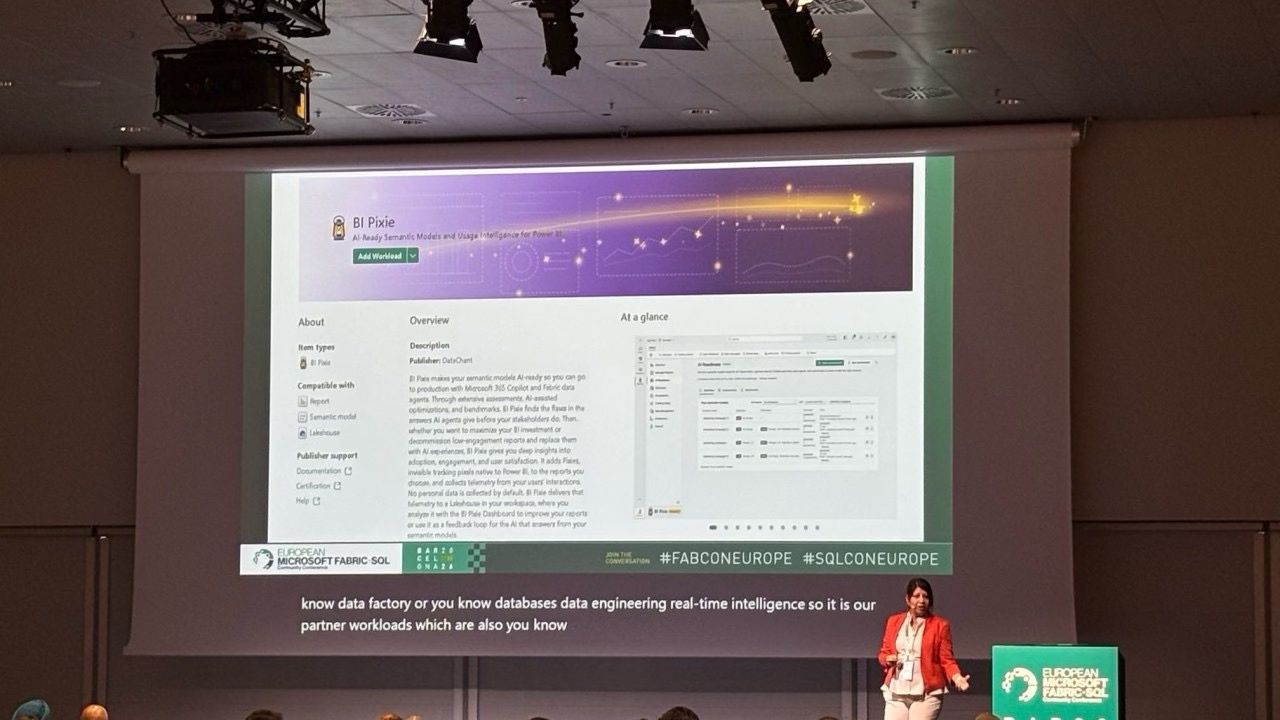
At FabCon Europe in Barcelona, more than 500 people came to the session “Integrating on Fabric”, where Madhu Bhattacharyya Bhowal, a Principal Product Manager on the Microsoft Fabric ISV team, introduced BI Pixie. Madhu walked through the BI Pixie listing in the Microsoft Fabric Workload Hub and then played the BI Pixie AI Readiness video on stage.
Here is the video Madhu presented.
Madhu ended the BI Pixie part of her session with the offer in the photo below, which is open to anyone with a Microsoft Fabric capacity.
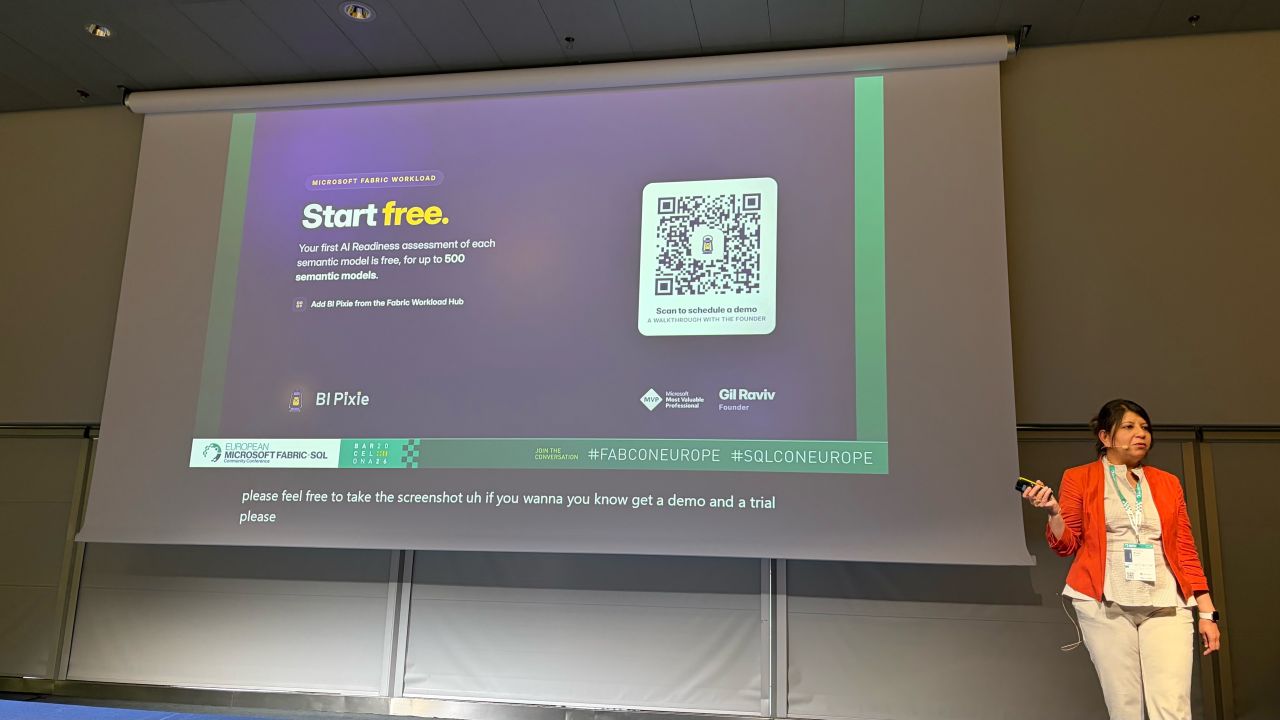
Your first AI Readiness assessment is free, for up to 500 semantic models and data agents, and you can add BI Pixie to your tenant from the Fabric Workload Hub.
Thank you, Madhu, for the collaboration and for your commitment to the ISV community. We are grateful for your support and your guidance.
About BI Pixie
BI Pixie is a Microsoft Fabric workload that prepares Power BI semantic models and Fabric data agents for AI, and measures how your reports are used.
Copilot and Fabric data agents generate their answers from the metadata inside a semantic model, not from the reports built on top of it. When that metadata is incomplete, an AI agent does not report an error. It returns a confident answer that may be wrong.
Assess, apply and test
- AI Readiness for semantic models. BI Pixie finds the metadata that is missing or ambiguous, ranks the work by the fields your people actually query, and proposes descriptions and instructions you can approve before anything is written.
- AI Readiness for Fabric data agents. The data agents your teams build each get one AI Readiness score, measured against Microsoft's published guidance, whatever data they are grounded on: lakehouses, warehouses, KQL, SQL and mirrored databases. Data agents built by different teams are held to the same standard.
- Agent Benchmarks. BI Pixie writes benchmark questions from your own semantic model, with the correct answers calculated from your data, and puts them to the AI you are preparing. You see how many it answered correctly, which ones it missed, and whether the next run is better than the last.
- A/B tests. Compare two versions of a semantic model, or two AIs answering from the same one, over the same benchmark questions. You see which change improved the answers rather than guessing.
BI Pixie also measures how your reports are used, through Pixies, the invisible tracking pixels native to Power BI that you add to the reports you choose. From those reports BI Pixie receives the page openings, visual clicks, filter selections and feedback that tell you how your audience reads a report. BI Pixie collects viewer user names only when you turn on Capture user identity, and until then it counts viewers by a masked IP address.